Technician working under a vehicle on a shop lift

MYSHOP / REPAIR SHOP MANAGEMENT

Repair shop intake,
through to invoice.

AutoRoca MyShop connects local repair requests with your service counter. Review the driver’s concern, quote the work and follow the booking through to invoice.

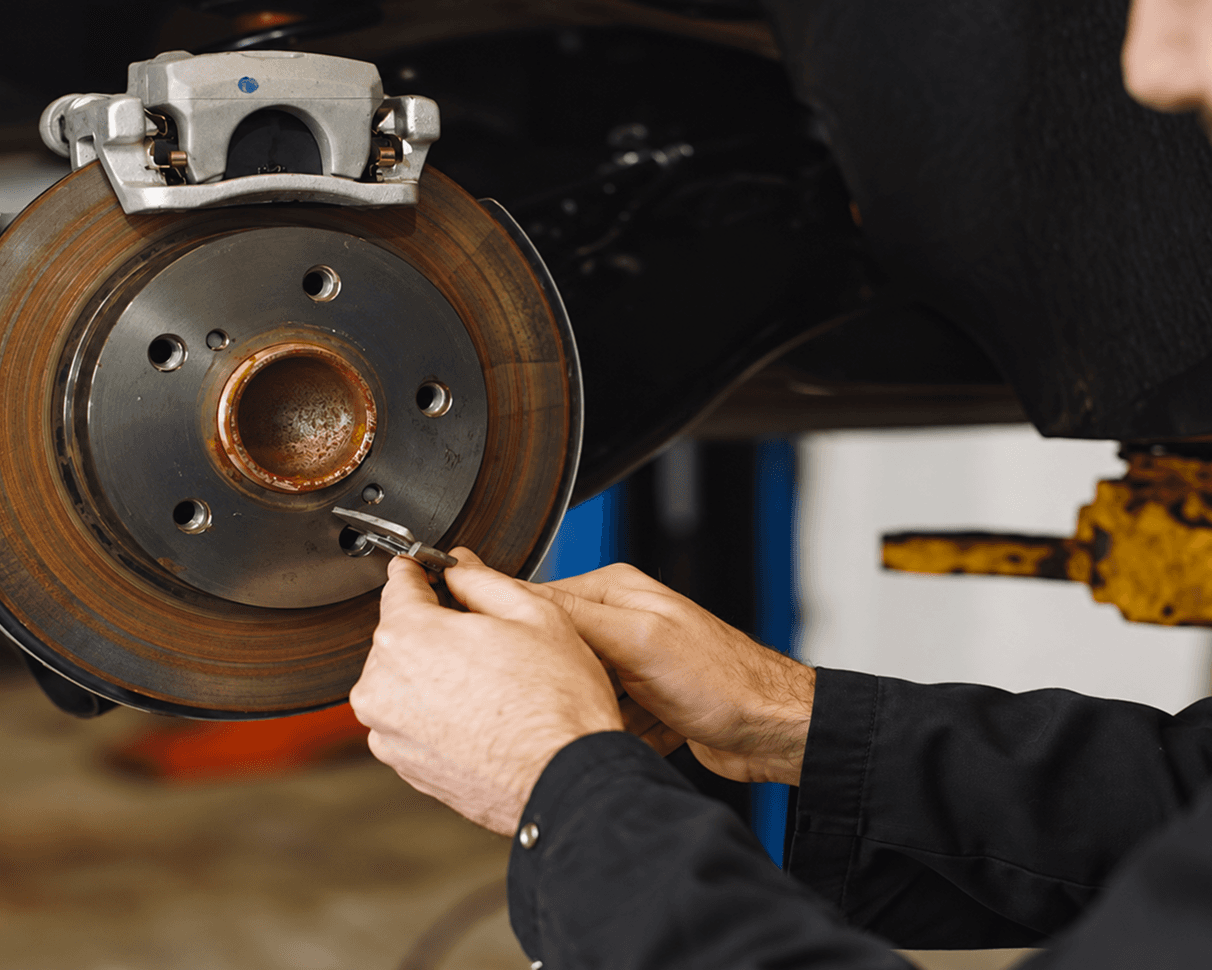
Technician inspecting a brake rotor in a service bay

01 / REPAIR INTAKE

A GRINDING NOISE. A CLEARER JOB BRIEF.

A driver hears grinding on the way to work. Your advisor can review the symptom before quoting an inspection. The technician confirms the cause when the car arrives.

INCOMING REQUEST

EXAMPLE  /  01

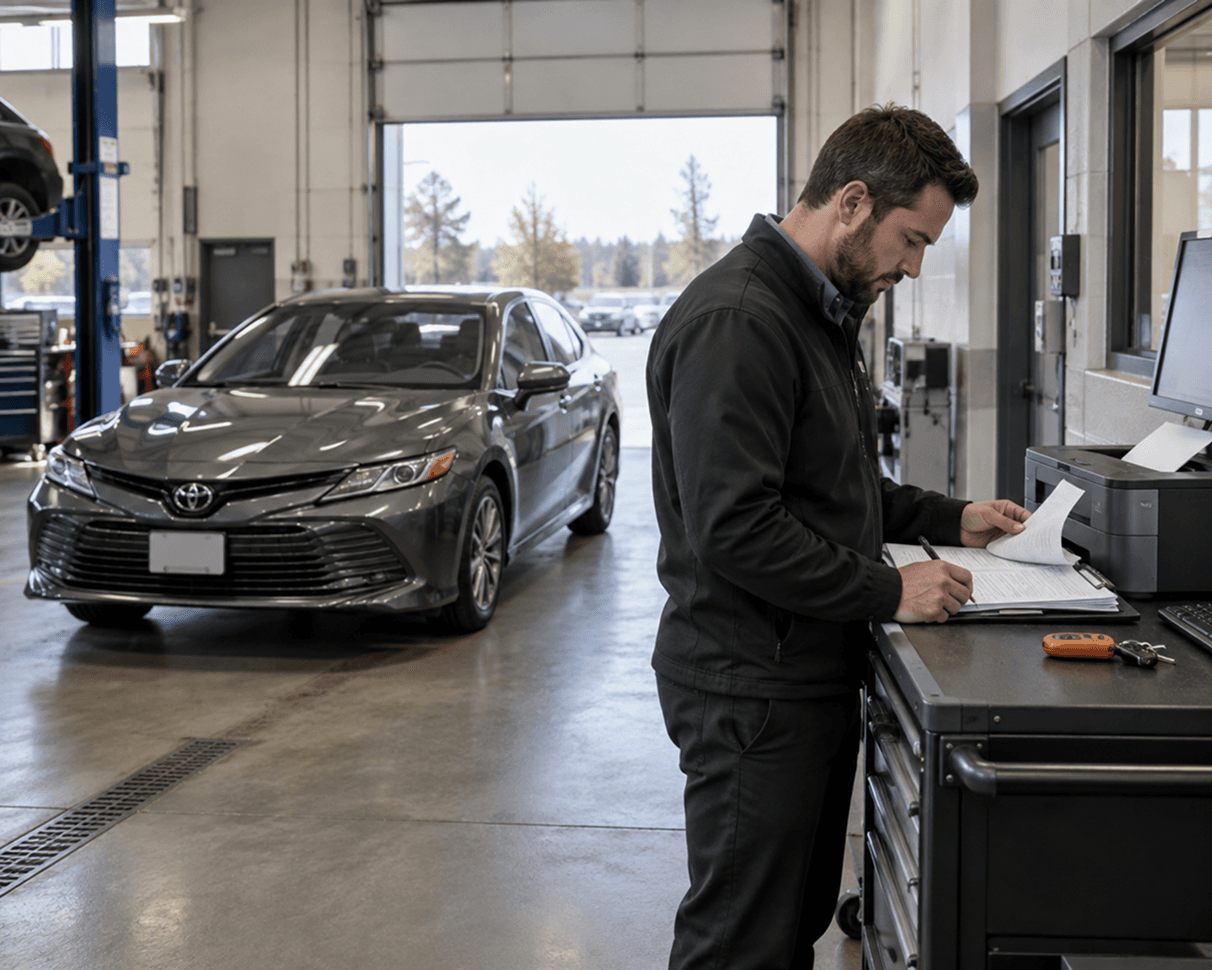
2019 Toyota Camry

Brake noise

Grinding when the driver slows down

Next step

Quote the inspection before pricing the repair.
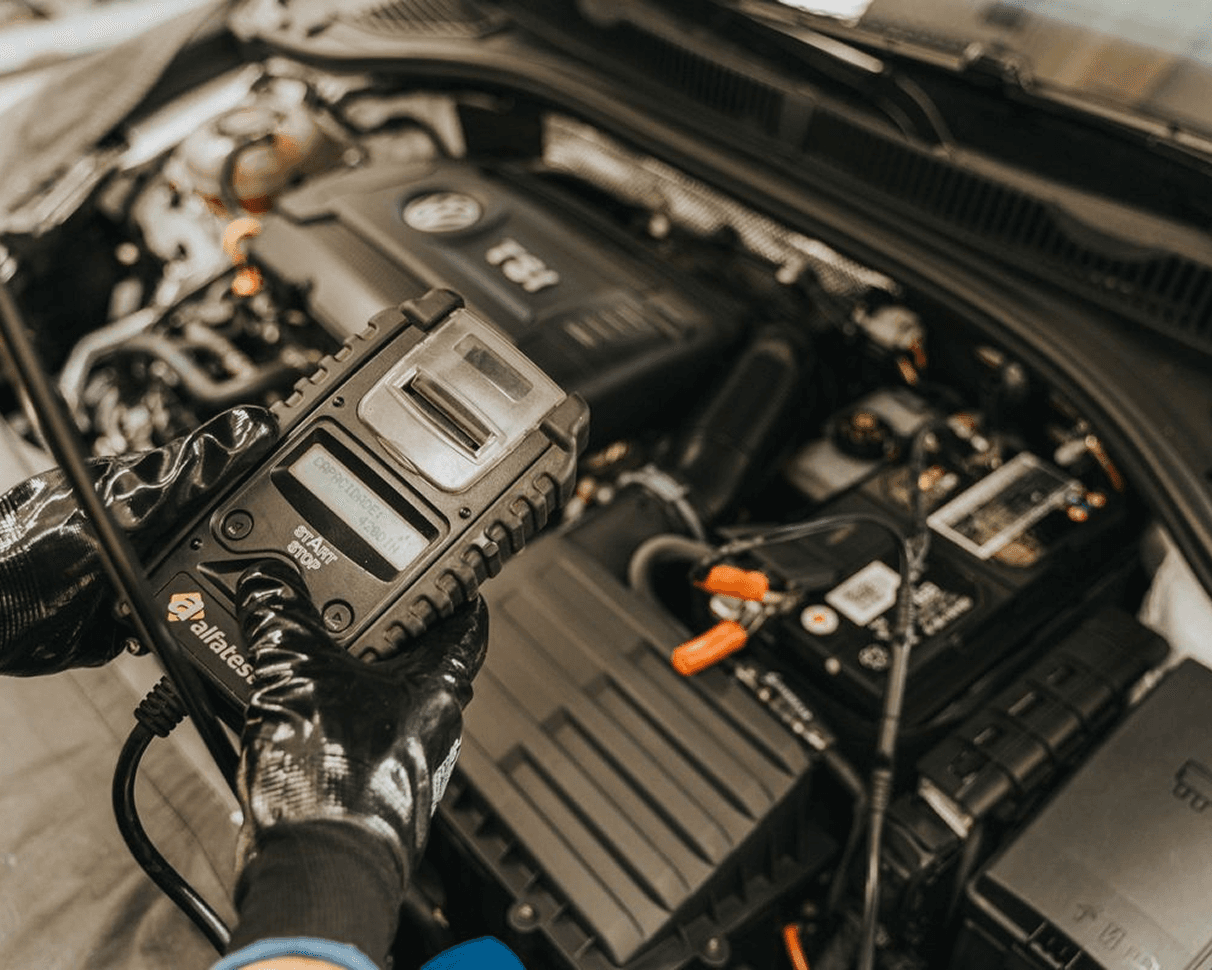
Technician checking engine diagnostics in a service bay

01 / REPAIR APPROVAL

NEW FINDINGS CHANGE THE QUOTE

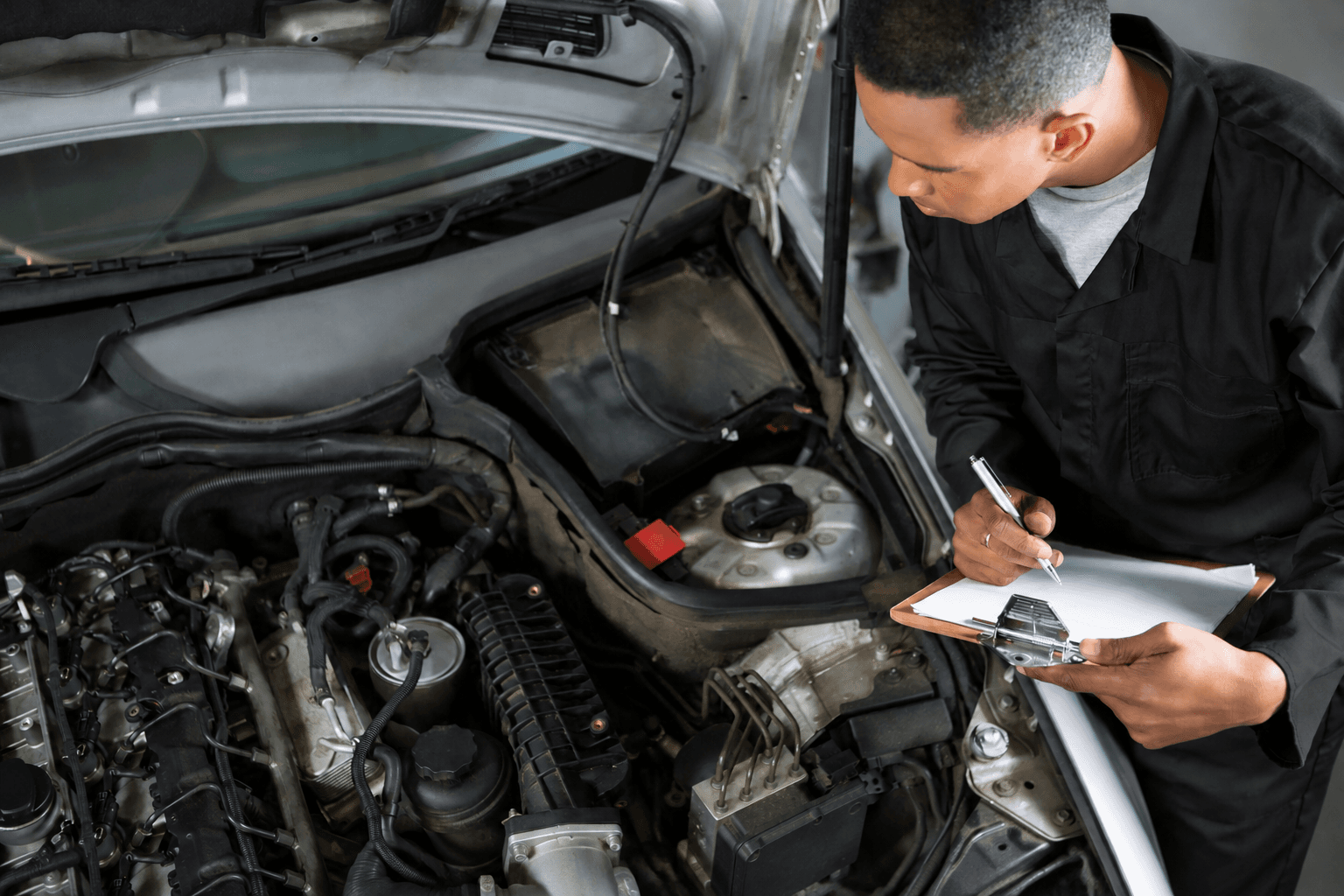
During an inspection, the technician finds additional wear. The advisor sends a revised estimate so the driver can review the extra work and price.

SCOPE CHANGE

EXAMPLE  /  02

Revised repair estimate

Shop finding

Additional work recommended

Next step

Request approval before proceeding.

Service advisor reviewing paperwork beside a vehicle in the shop

01 / JOB COMPLETION

FROM APPROVED WORK TO INVOICE

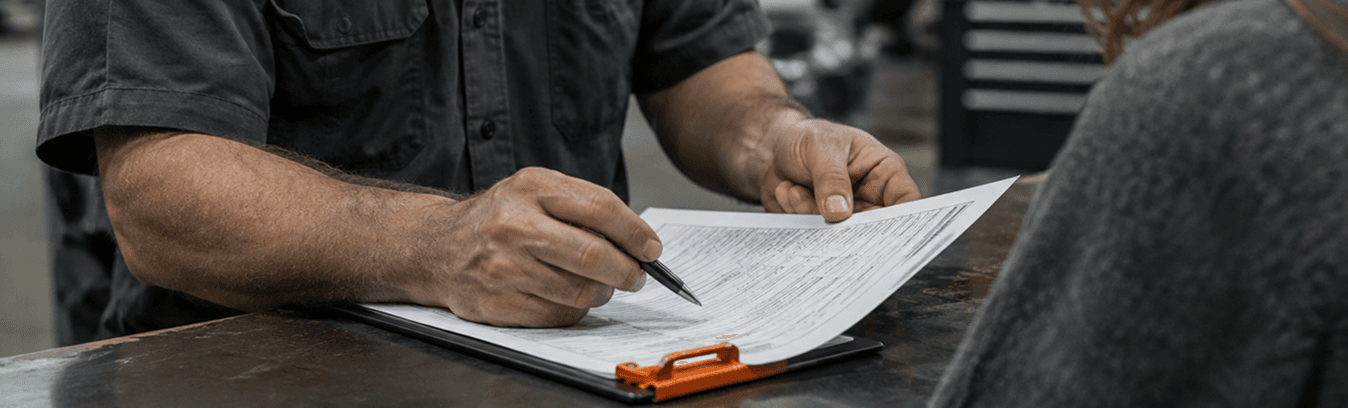
The vehicle is ready for pickup. The service advisor checks the work performed against the approved estimate and prepares the final invoice.

JOB CLOSEOUT

EXAMPLE  /  03

Completed service

Work record

Parts and labor documented

Next step

Review the invoice with the driver.

02 / HOW AUTOROCA WORKS

Know the job before it reaches the bay.

01

Read the request

Start with the vehicle, its symptoms and the initial AI assessment in one place.

02

Scope the estimate

Identify the inspection or repair you can quote and explain what the price includes.

03

Arrange the visit

When the driver selects your shop, coordinate a time for the vehicle to come in.

INSIDE THE SERVICE BAY

Give each bay
a clearer schedule.

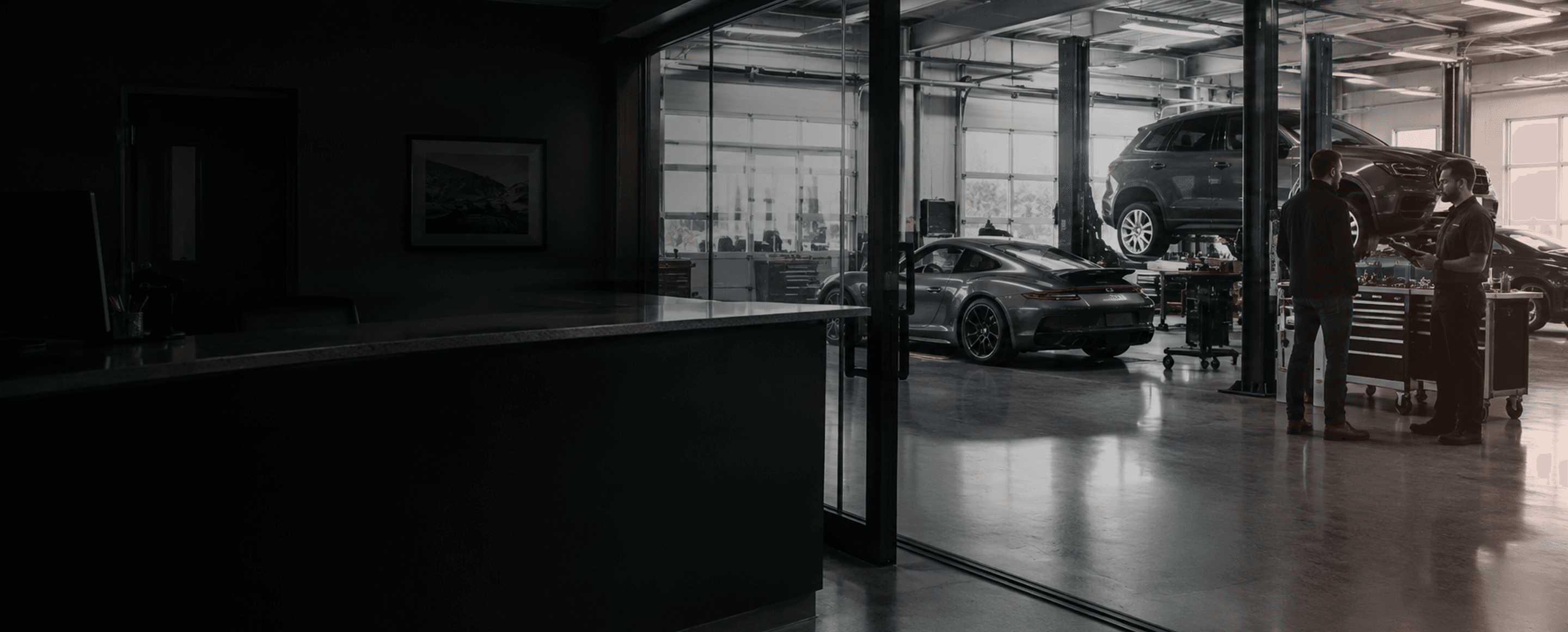
Review incoming jobs and confirmed appointments together so the service team knows which vehicle is arriving and what the driver approved.

See the shop workflow demo

AT THE INTAKE COUNTER

Read a request like an advisor

An example of turning a driver’s words into a useful brief for the bay.

Driver speaking with a service advisor at the intake counter

01 / DRIVER’S WORDS

“It grinds when I slow down.”

Keep the original wording in the job notes. Ask when the sound started and whether it happens on every trip.

REPAIR REQUEST / EXAMPLE

FRONT BRAKES

Vehicle 2019 Toyota Camry

02 / ADVISOR’S NOTE

Preserve the conditions

Low speed. Braking. Front of vehicle, according to the driver. Keep observations separate from a suspected cause.

03 / TECHNICIAN HANDOFF

Start with an inspection

Attach the vehicle details and the driver’s account. Quote the inspection, then confirm the repair scope after the technician checks the car.

Technician inspecting a vehicle and writing on a clipboard

03 / ESTIMATE QUALITY

What belongs in a repair estimate?

A clear scope

Name the inspection or service you priced so the driver knows what is included.

An understandable price

Separate known costs from work that depends on the inspection.

A practical next step

Explain when the driver can bring the vehicle in and what happens at drop-off.

MYSHOP / JOB COMPLETION

Close the job with a clear invoice

What happens after the repair?

Record the work your shop completed, then prepare the invoice. Keep the service description and the charges together so the driver can follow what was done.

See shop invoicing demo

AUTOROCA / MYSHOP

Advisor completing a work order after a repair
01

WORK ORDER

Review the scope

Approved service
02

JOB RECORD

Document the work

Completed service
03

INVOICE

Prepare the charges

Ready for review

04 / BEFORE YOU INQUIRE

Repair shop questions

Yes. Register each physical location separately. Each location has its own subscription and invoice.

Your next step with AutoRoca

Create your account and set up your shop in AutoRoca.

Register your shop

Already registered? Sign in to MyShop

How AutoRoca works

MyShop walkthrough

  1. 01Shop Discovery
  2. 02Register your shop
  3. 03Connect Stripe
  4. 04Quote and schedule
  5. 05Complete job and invoice
Register your shop